
Kickback for Mac
Version 0.1.0 · macOS 14 Sonoma or later · Signed with Developer ID
Download (.dmg) (coming soon)
The download opens soon. Pricing
One app for the Mac, one for your phone. Try every feature free for 3 days.
Version 0.1.0 · macOS 14 Sonoma or later · Signed with Developer ID
The download opens soon. Pricing
Free · iPhone and Android
Drag it to Applications and open it. It walks you through the permissions it needs: Local Network and Bluetooth so remotes can find it, and Accessibility for the trackpad, keyboard and media keys.
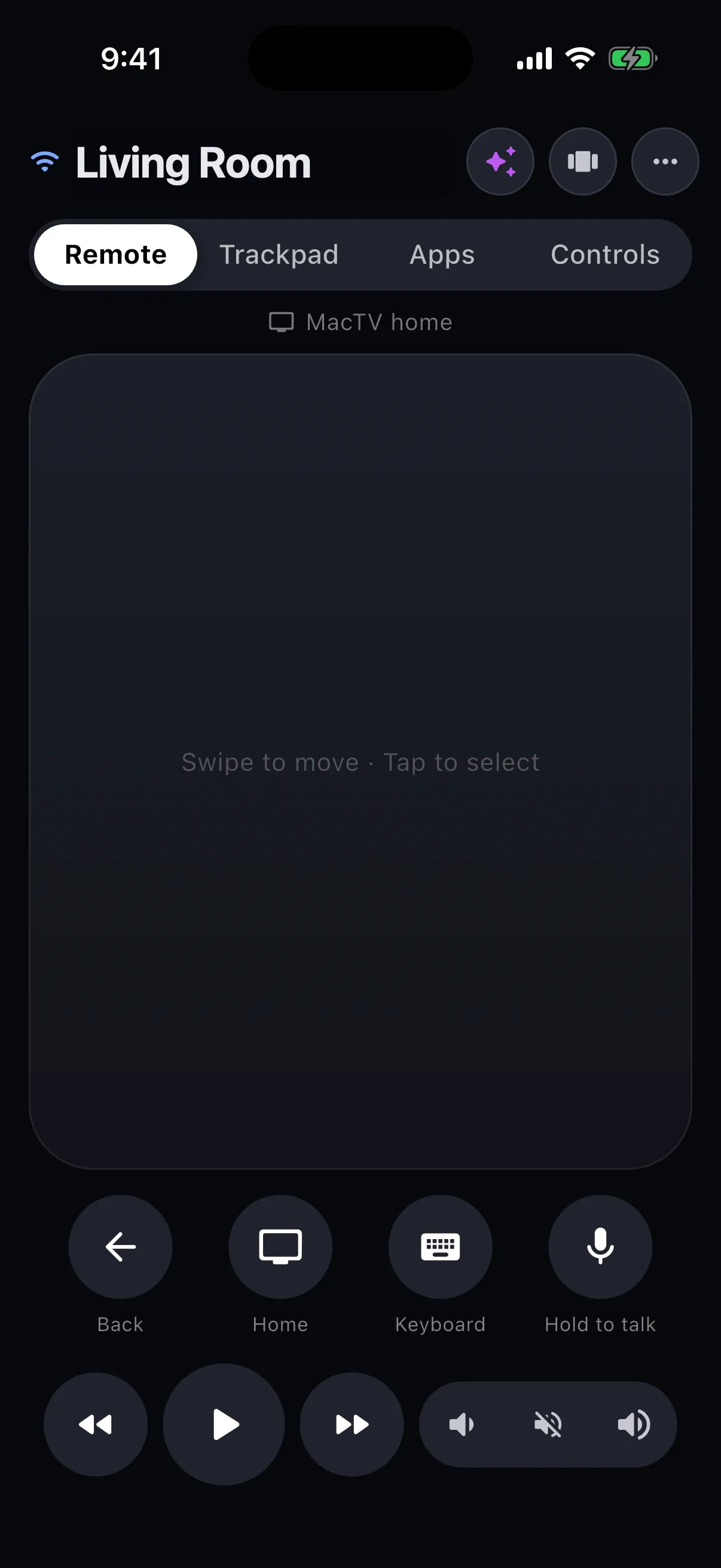
Scan the code Kickback shows with your phone, or get Kickback Companion from the App Store or Google Play. Open it and your Mac appears in the list.
Tap your Mac, then type the 6-digit code it shows. That is the only time you will need it.
Use Add App, Add Link and Add Shortcut on the launcher, or the Apps tab on your phone.